Problem Statement
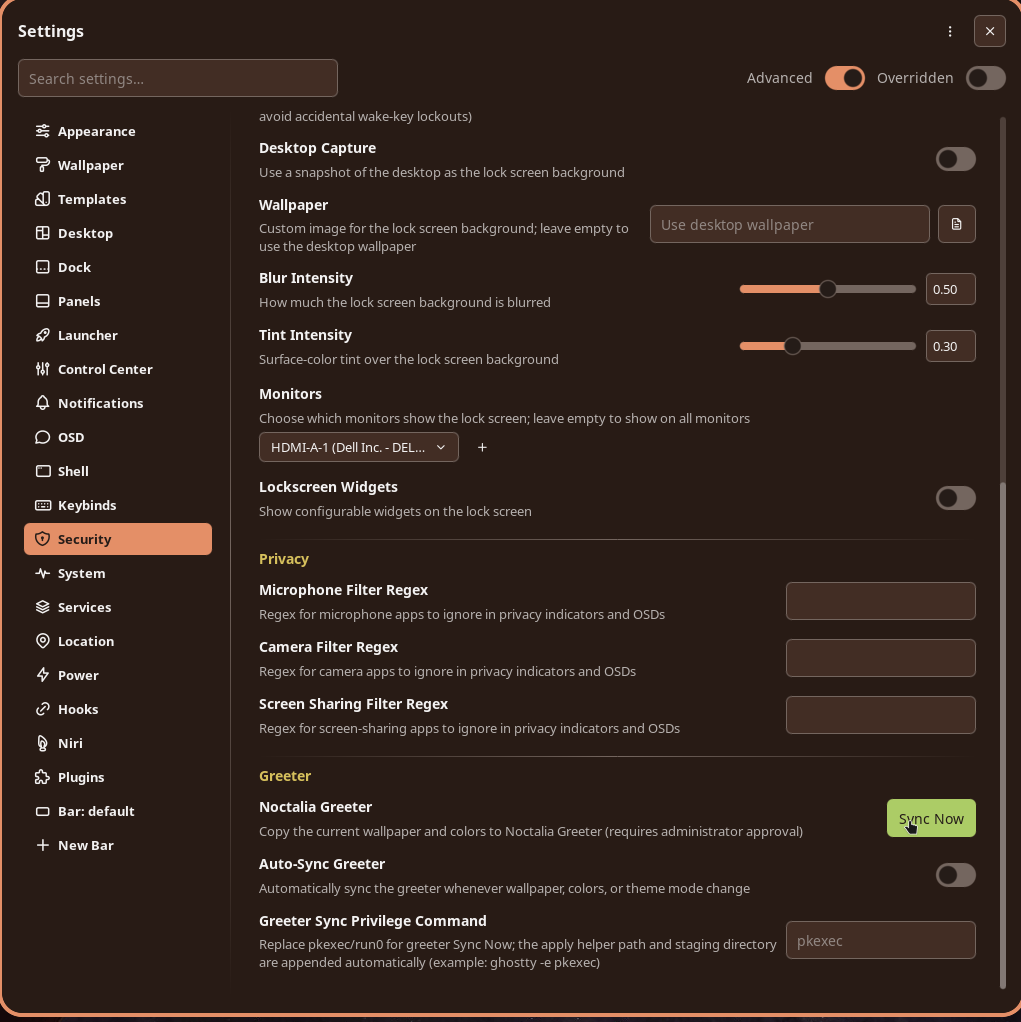
In an effort to noctalize my whole setup, I did this. With greetd and noctalia-greeter-session installed, naturally the next step was to sync the desktop wallpaper with the lockscreen. Sounds easy, right?
Not quite because of a minor detail and it tripped me for a few hours.
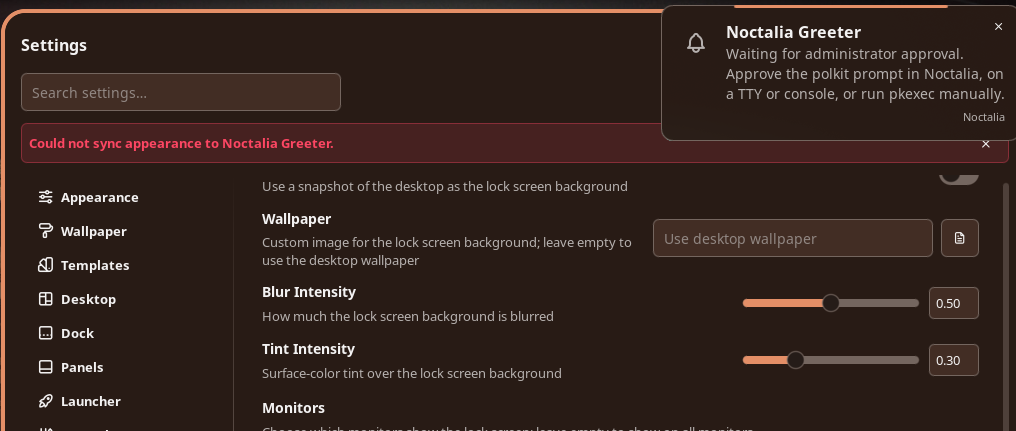
Clicking "sync" on the settings panel to sync the wallpaper and style brings an error notification.
Solution
In Noctalia Greeter Sync, the troubleshooting section has one line.
Sync fails with no privilege escalator - Greeter sync needs pkexec or run0 on PATH (for example when pkexec is disabled on NixOS, install run0 from systemd ≥ 256). A polkit authentication agent must be running in your session.
Which described my situation exactly.
So off I went to the trusty Arch Wiki in search of a Polkit authentication agent.
The Authentication Agents section lists several options. Some of these names are familiar, like LXQt, MATE, and GNOME, but most of these agents are built specifically for their respective desktop environments.
Soteria-git stood out because it is independent of any specific desktop environment and is also constantly updated.
The only drawback is that it's AUR-only, so due diligence is required when installing and updating packages.
paru -S soteria-git
Now that it's installed and the Arch Wiki specified exactly where the binary is, adding it to the niri autostart.kdl file should make it available when the system starts.
helix ~/.config/niri/cfg/autostart.kdl
Adding this line:
spawn-at-startup "/usr/lib/soteria-polkit/soteria"
And one reboot later—voilà!
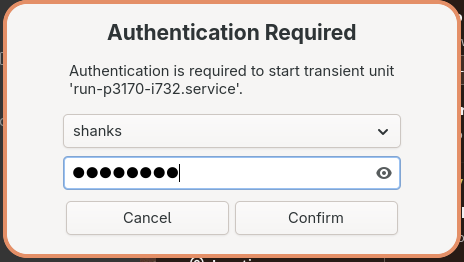
Now the lockscreen syncs with desktop wallpaper and colors.
Note: The initial sync attempt might throw an error; a reboot will resolve it.